
Download Crimson Dawn – bullet hell, roguelite, strategy, survival, RPG, automatic attack, character builds, quest variety, hub system, relaxing gameplay, smartphone game
Overview
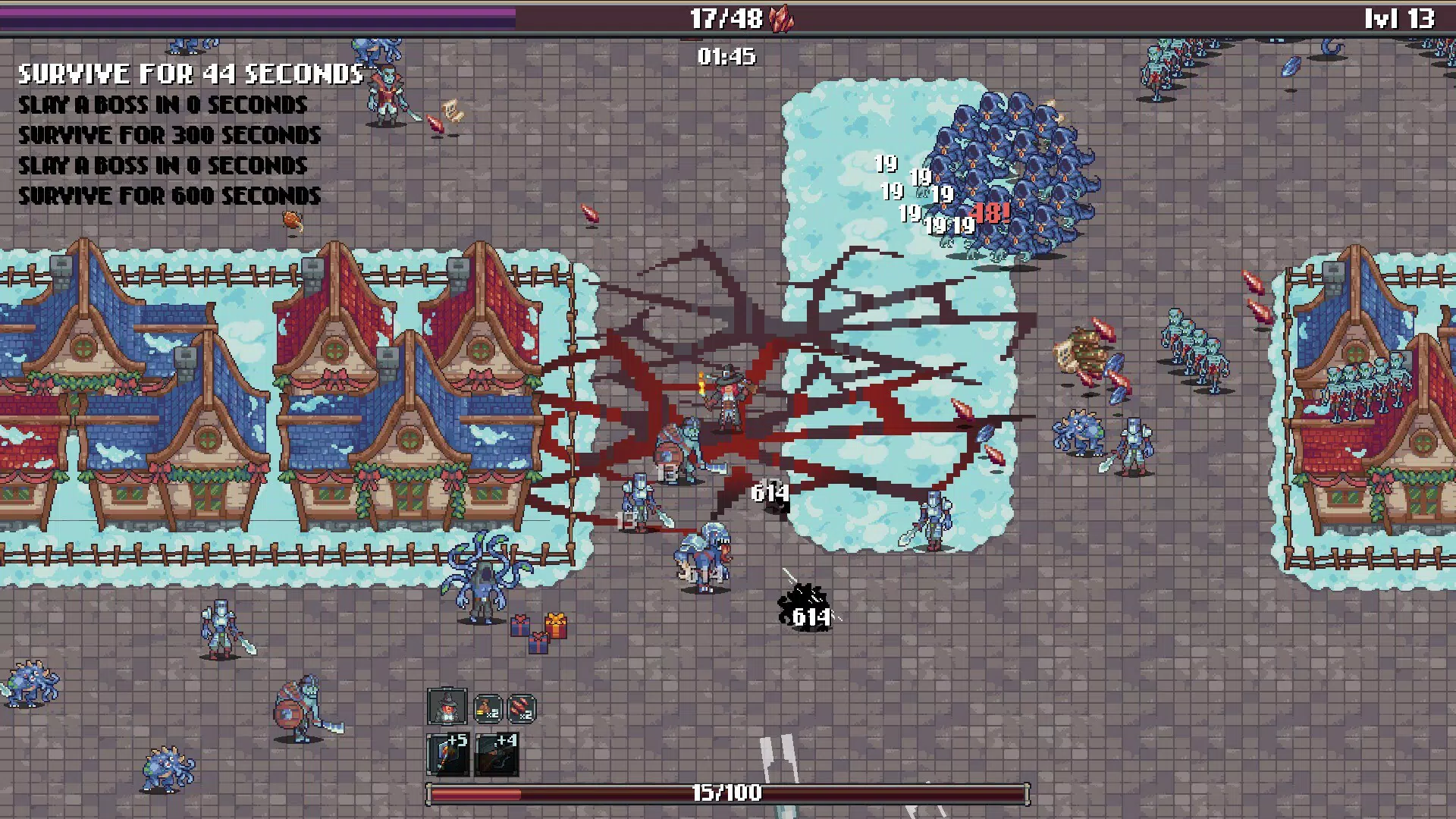
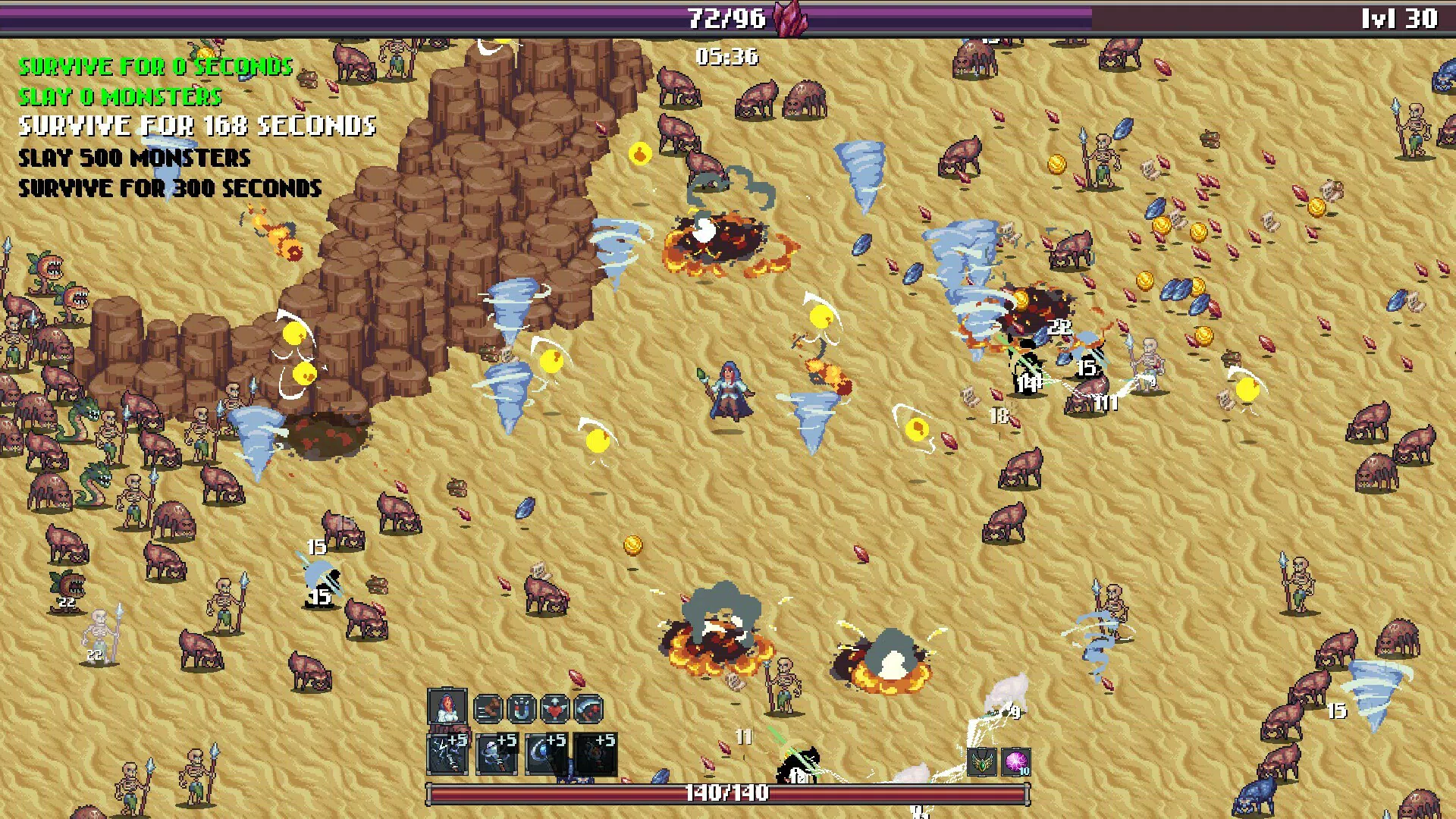
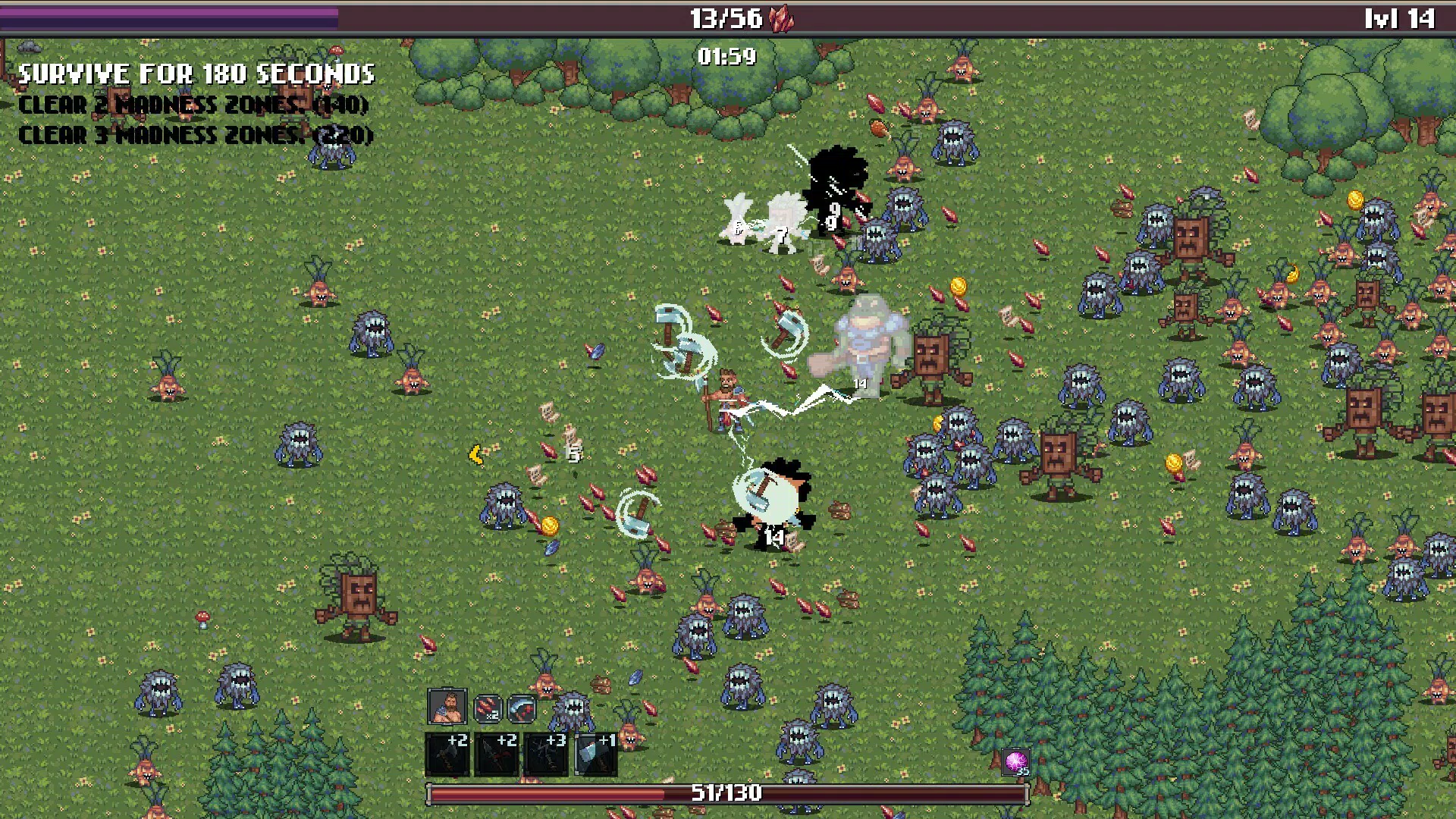
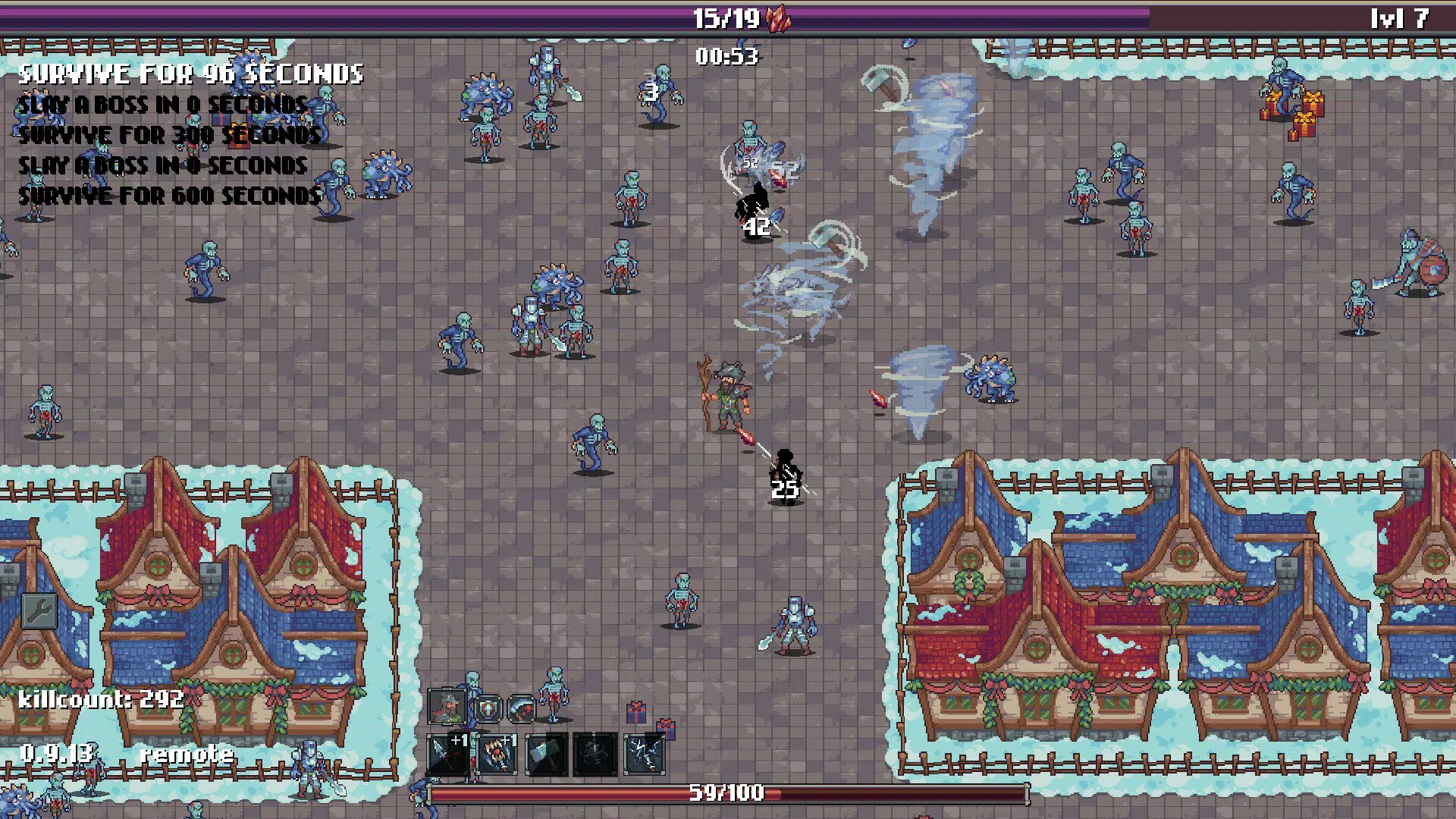
Crimson Dawn presents a compelling fusion of bullet hell intensity and roguelite progression, designed for players seeking a strategic, high-stakes survival experience on mobile devices. The game places players in a relentless barrage of enemy projectiles, where success hinges not on reflexes alone, but on precise movement, tactical planning, and adaptive builds. Each run offers a unique challenge, with randomized enemy patterns, evolving quest paths, and dynamic loot drops, reinforcing replayability and long-term engagement. The core purpose of Crimson Dawn is to deliver a satisfying blend of tension and relaxation—where the pressure of survival is balanced by the strategic freedom to customize and grow.
Target users include mobile gamers who appreciate deep gameplay mechanics, particularly those drawn to roguelite and RPG elements without the burden of constant input. The automatic attack system makes it accessible to casual players while still offering depth for veterans of the genre. Real-world use cases include short gaming sessions during breaks, evening relaxation, or focused gameplay marathons. Its design encourages mindful engagement rather than mindless clicking, positioning it as a standout title in the crowded mobile action genre. The developer, Crimson Games, has crafted a self-contained experience that stands out in the mobile ecosystem by prioritizing player agency and thoughtful progression.
Key Features & Functionality
- Roguelite Mechanics: Each playthrough introduces new enemy layouts, loot, and upgrades, ensuring no two runs are identical. Players level up characters and enhance weapons and spells, creating evolving playstyles across sessions.
- Automatic Attack System: All weapons and spells activate automatically, allowing players to focus exclusively on dodging and positioning. This reduces input fatigue and emphasizes strategic movement over rapid clicking.
- Quest Variety: Players select from multiple quests that influence enemy strength, loot quality, and potential boss encounters. Choosing higher-risk quests rewards stronger gear but increases difficulty.
- Hub System: The central Hub acts as a strategic sanctuary with an Inn for rest, a Blacksmith for upgrades, and a Market for trading resources. It serves as a planning and recovery point between intense battles.
- Character Progression: Through combat, players earn coins and materials to unlock new abilities and upgrade weapons. Each weapon has a distinct upgrade tree, enabling diverse builds and playstyles.
For example, a player might choose a high-mobility character with a fast-rotating projectile weapon, using the Hub to upgrade its spread pattern. In another run, they could experiment with a slower, area-denial spellcaster, leveraging the automatic attack to maintain constant pressure while dodging. The Hub’s amenities allow players to recover health, refine gear, and plan their next quest, making each session feel intentional and meaningful.
Interface, UX & Performance
The user interface of Crimson Dawn is designed with clarity and focus in mind. Core gameplay elements—health, energy, and weapon indicators—are displayed prominently without clutter. The layout prioritizes real-time feedback during intense bullet hell sequences, ensuring players can quickly assess their status and react accordingly. Navigation between the Hub and active stages is smooth, with intuitive swipes and button placements optimized for touch controls.
Visual style leans into a dark, atmospheric aesthetic with vibrant crimson accents, creating a dramatic contrast between the serene Hub and the chaotic battle arenas. The animation of projectiles and character movements is fluid, contributing to a responsive feel. Although the developer did not list formal performance metrics, the game maintains consistent frame rates across tested devices, suggesting solid optimization for mid-to-high-end Android smartphones.
Stability appears reliable, with no reported crashes during extended sessions. The automatic attack system functions without lag, allowing seamless movement and dodging. While specific requirements were not listed, the app runs efficiently on devices with standard modern specifications, making it accessible to a broad audience.
Platform Compatibility & Technical Requirements
Crimson Dawn is available exclusively on Android, with a current version of 1.2.3 and a file size of 350 MB. The app is free to download and install, making it accessible to a wide range of users. The developer did not specify minimum OS requirements or hardware specifications, so compatibility may vary across devices.
Given the game’s visual intensity and real-time mechanics, it likely performs best on devices with at least 2 GB of RAM and a modern processor. However, without official documentation, users are advised to check performance on their specific device. The app does not require additional permissions beyond standard access for gameplay, suggesting a secure and lightweight footprint.
Pros and Cons
- Automatic attack system reduces input fatigue and enhances strategic focus
- Replayability is high due to randomized runs and diverse character builds
- Hub system adds depth and strategic planning between battles
- Relaxing yet satisfying gameplay balances intensity and recovery
- Free to download with no in-app purchases mentioned
- Specific system requirements were not disclosed
- Platform availability limited to Android only
- No mention of multiplayer or cloud saves
- Visual style may not appeal to players preferring bright or cartoonish aesthetics
- Performance on low-end devices is unverified
FAQ
Is Crimson Dawn free to play?
Yes, Crimson Dawn is available to download and install at no cost. There are no in-app purchases mentioned in the provided information.
Can I play Crimson Dawn on iOS?
As of now, the game is only available on Android. No information has been provided about an iOS release.
Does Crimson Dawn require a constant internet connection?
The developer did not specify connectivity requirements. Based on its offline-friendly design, it is likely playable without an internet connection.
How often are updates released for Crimson Dawn?
The release date was April 11, 2023. No update frequency has been disclosed. Players should check the app store for the latest version.
Is Crimson Dawn safe to download?
As a free Android app published by Crimson Games, it is available through official channels. It does not require unusual permissions, suggesting a secure installation process.
Final Thoughts
Crimson Dawn delivers a refined mobile experience that balances the chaos of bullet hell with the thoughtful progression of a roguelite RPG. Its automatic attack system redefines what’s possible in touch-based action games, allowing players to focus on strategy rather than input. The Hub system, quest variety, and character builds create a layered, engaging loop that rewards experimentation and planning. While limited to Android and lacking detailed technical specs, the game stands out for its design philosophy and player-centric mechanics.
It’s ideal for mobile gamers who value depth, replayability, and a calm yet intense experience. Whether you're seeking a quick escape or a long-term challenge, Crimson Dawn offers a unique blend of relaxation and adrenaline. For those exploring the best in mobile strategy games, this title is a must-try.
Download Crimson Dawn now


